SkyCaptureDownload
MICROSOFT FLIGHT SIMULATOR / CAPTURE UTILITY

Your flight,
in frames.

Save the view from your cockpit. Capture stills and MP4 clips in MSFS, find them by aircraft or airport, and share a copy with your flight details on the frame.

Download for Windows Free for 7 days · no card required
Then €4.99 once, only if you choose to buy · no automatic charge
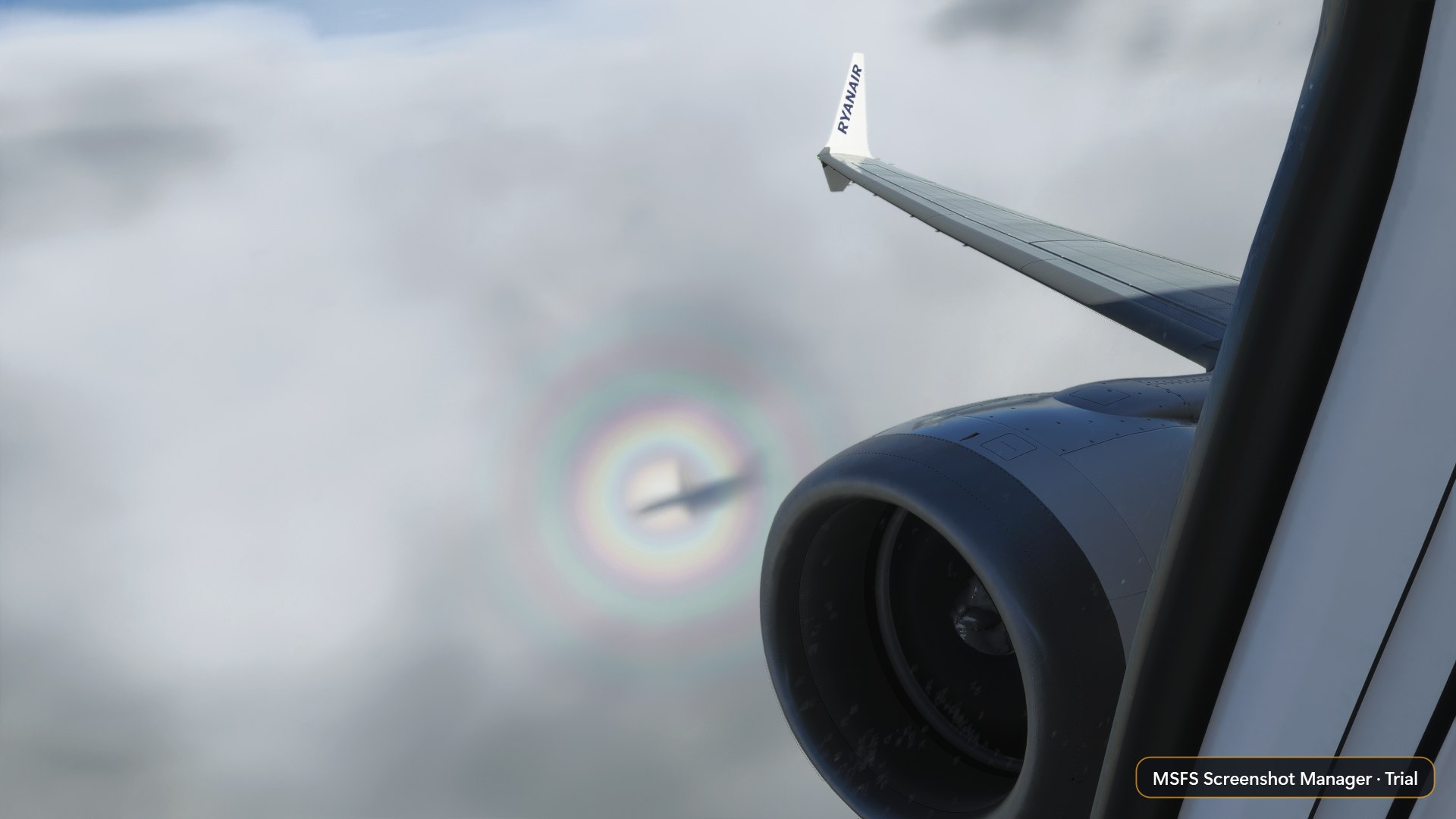
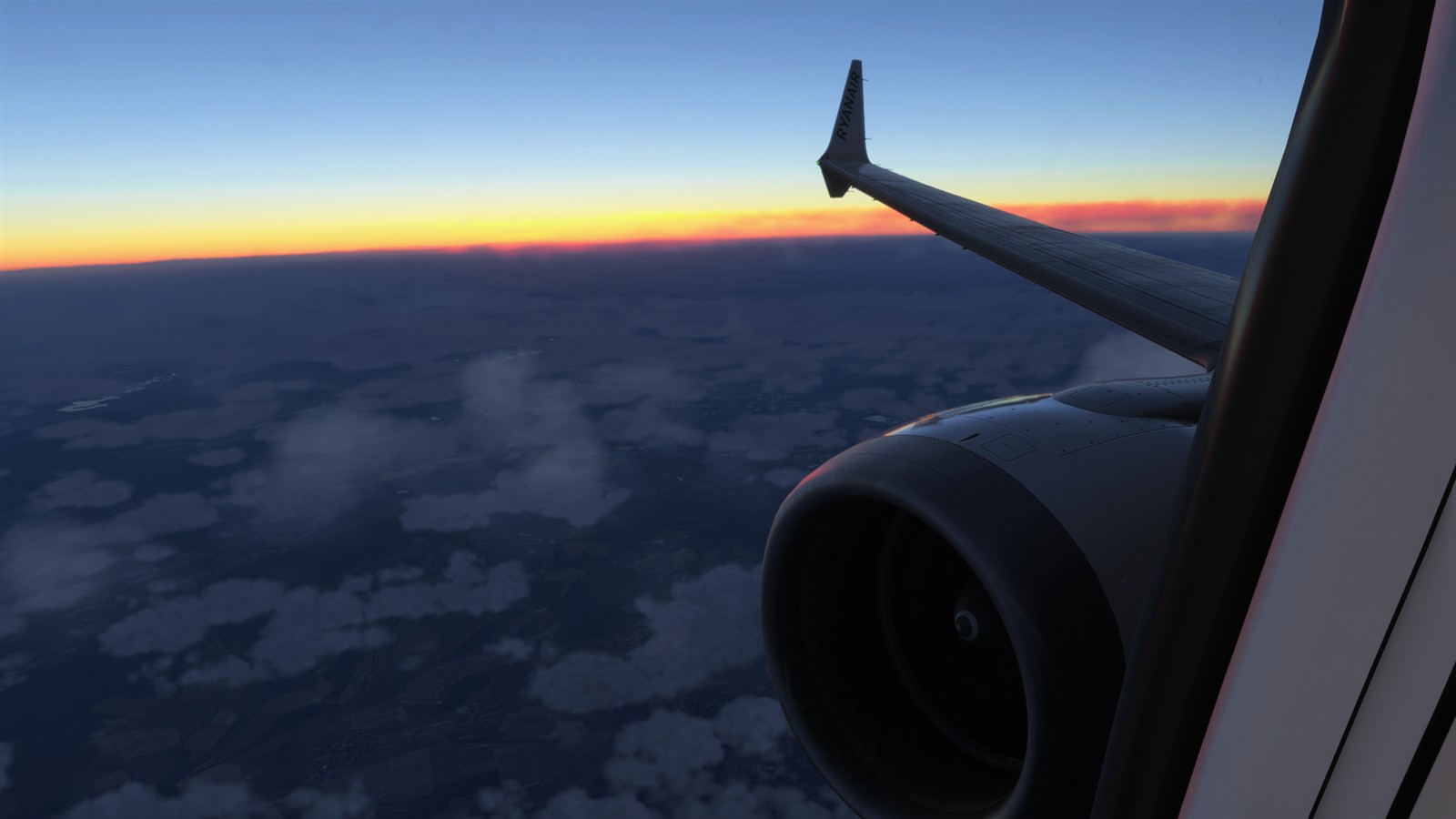
The setting sun lights the wing above a sea of clouds
Boeing 737 MAX 8 · iFly
MSFS 2020 + 2024SIMCONNECT FLIGHT DATAH.264 / MP4 VIDEOWINDOWS x64
GETTING STARTED

Ready in a few steps.

SkyCapture keeps your flight media in the folders you choose and builds a searchable gallery on your PC.

01 / BEFORE INSTALLING

What you need

  • A 64-bit Windows PC. The installer includes its runtime; no separate .NET installation is needed.
  • Microsoft Flight Simulator 2020 or 2024 for live aircraft and flight telemetry.
  • An internet connection the first time you verify the free seven-day trial. No payment card is required.
02 / FIRST LAUNCH

Choose your media folders

  • Choose a folder for photos and a folder for videos. You can use the same folder for both.
  • SkyCapture does not search your PC for capture folders. You choose where it looks.
  • You can change the folders later in Settings. Start MSFS whenever you want live SimConnect flight data.
CLEAR, ONE-TIME PRICING

Try it for a week.
Decide later.

Explore the full app during your free seven-day trial. You do not enter payment details to start.

START HERE7 days

Free trial

Full access to SkyCapture. No card required.

ONLY IF YOU CHOOSE TO CONTINUE€4.99

One-time license

Pay once for a perpetual license. No subscription and no renewal.

Buy the license

When the 7 days end, the trial expires. Nothing is charged automatically. To keep using SkyCapture, you must choose to purchase the €4.99 license.

INSIDE THE APPLICATION

Your flights,
at a glance.

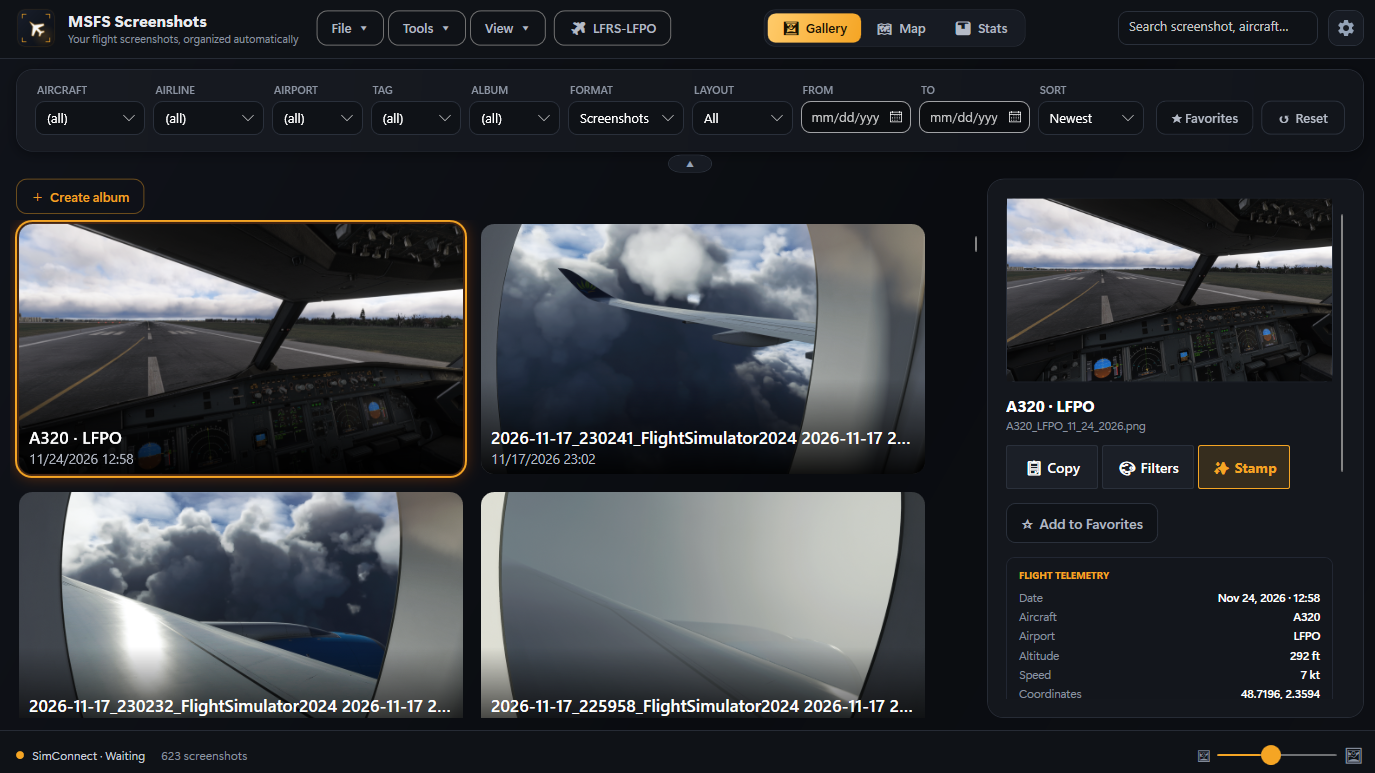
A real look at SkyCapture: browse your screenshots, filter by flight details, create albums and inspect each image without leaving the gallery.

SkyCapture gallery showing flight screenshot thumbnails, filters, album creation and image details
SKYCAPTURE · GALLERYReal application screenshot
01Find screenshots by aircraft, airport, tag or date.
02Build albums from the flights you want to remember.
03Review flight telemetry and image details at a glance.
FEATURES

Inside the flight archive.

Keep flying. Press the shortcut.

Press Ctrl + Shift + F9 for a screenshot, or F9 to start a cinematic clip. Press F9 again to stop, or let the 30-second recording finish. Both shortcuts are customizable.

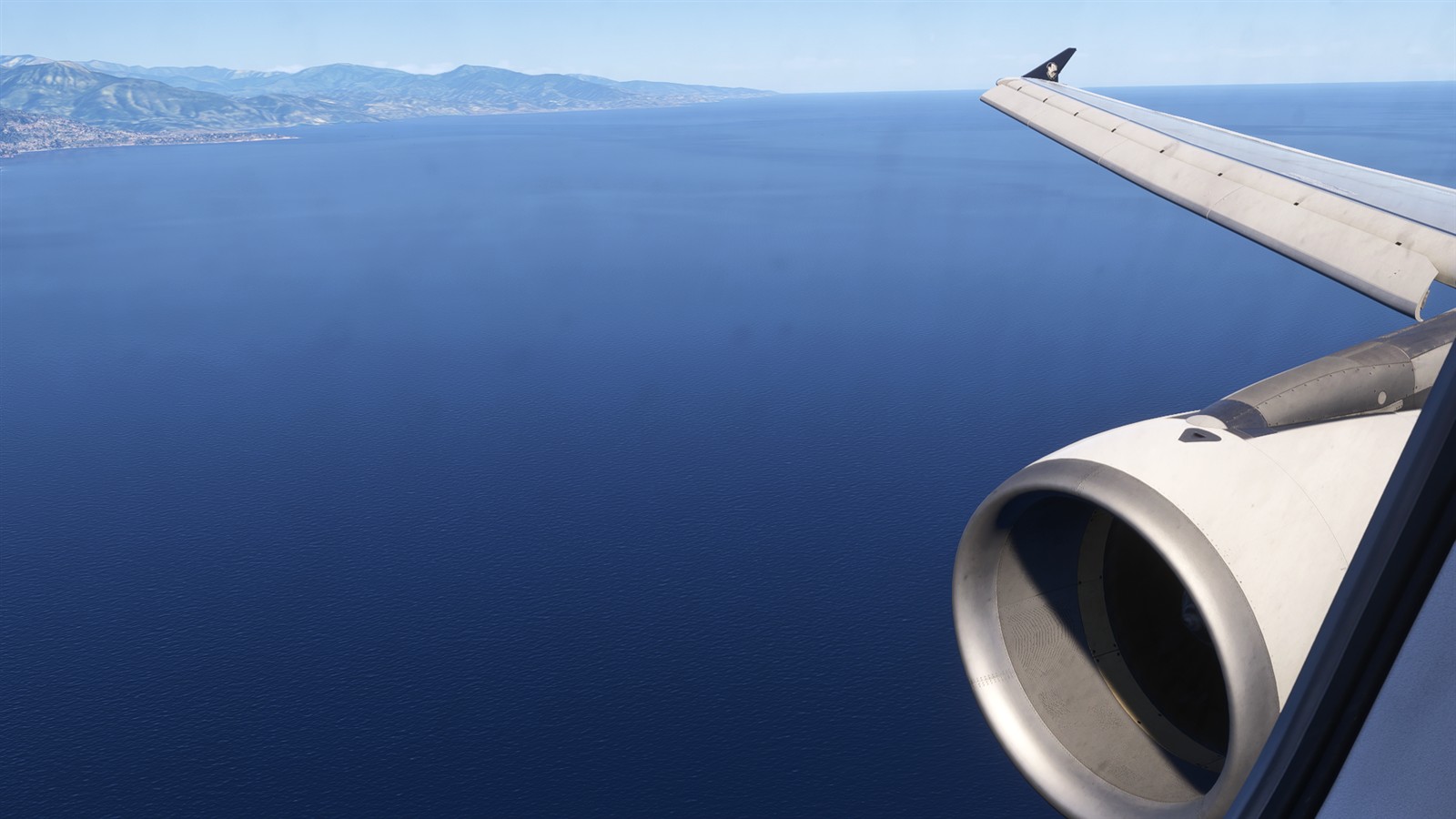
Wing over the sea
Airbus A320 · Fenix Simulations
FLIGHT PHOTOS

Your Gallery

PILOT SUPPORT

Before takeoff.

msfsscreenshotmanager@gmail.com
How do I get started?

Download and run the Windows installer. On first launch, choose your photo and video folders, then open MSFS and check the SimConnect indicator.

How does the free trial work?

Your seven-day trial starts with online verification on your Windows PC. No payment details are needed. At the end, the trial expires and nothing is charged automatically. If you want to continue, you can choose a €4.99 one-time license. Reinstalling on the same Windows installation does not restart the trial.

What should I include in a bug report?

Email support with your app version, simulator version, and the steps that triggered the issue. Leave license keys and payment details out of screenshots and logs.